

a very popular topic with coding agents lately. Loops are basically a concept where you have an agent work in a self-verifying loop and have the agent work more autonomously.
This is in contrast to how we used coding agents earlier, where you spin up a new coding agent, make the coding agent implement something, verify its results, and continue like that until you’re done with your work.
Loops are incredibly powerful because they allow you to take more of a backseat as a human and get more tasks done. This is because you don’t have to follow up the agent as closely, and it works more autonomously itself and is more able to complete work end-to-end.
In this article, I’ll discuss why you should be working in loops while interacting with coding agents and how you can do it. I’ll cover some techniques you should be actively utilizing when interacting with coding agents to effectively set up loops and make your coding agents as effective as possible.
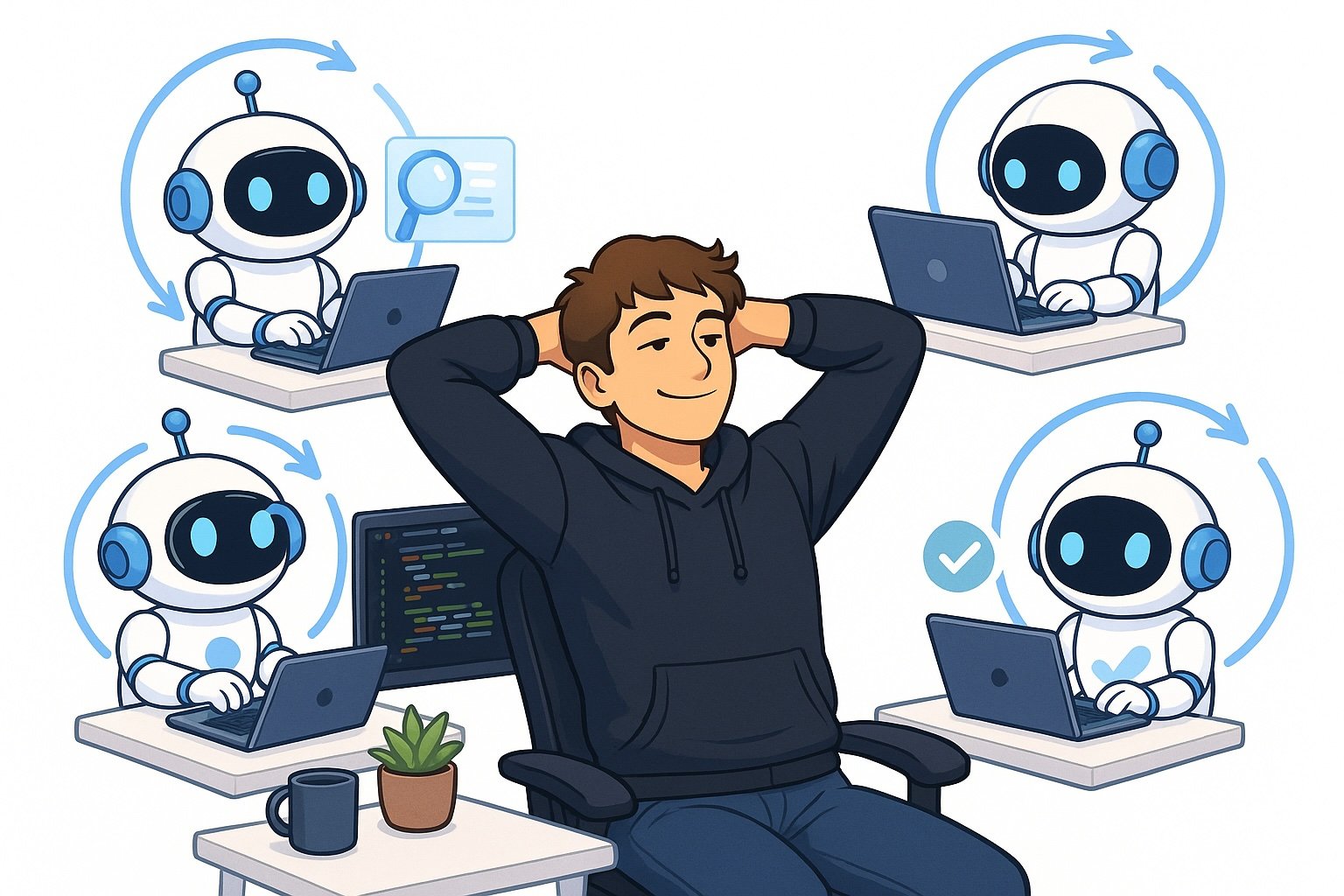
This infographic highlights the main contents of this article. I’ll discuss how you can get your coding agents to run loops, which will make them vastly more powerful and able to autonomously complete more tasks. Image by ChatGPT.
Why use loops with coding agents?
First of all, let’s cover why you should be using loops when using coding agents. The simplest answer is that loops allow you to do more work.
The reason for this is that when you set up a loop, the agent is more able to autonomously complete tasks end-to-end, which frees up time for you as a human, allowing you to do more work.
You can imagine these two scenarios:
Scenario 1: You spin up agent A, make a plan with it, and have it begin work. You then spin up agent B, and before you’re done planning the task with agent B, agent A is asking you questions or telling you it’s completed some work and needs you to verify it. You decide to finish agent B, and right after you’re done there, you go back to agent A. Interact with it, have it continue to work, and before you’re done there, agent B needs input from you again. You then continue like this, and you’re only able to interact with two agents at once, essentially, completing two tasks at once.
Scenario 2: You spin up Agent A and have it run a loop to self-verify its work. Agent A will then start working on a task, and you tell it to only come back to you once it’s finished that task. Once you’ve finished instructing Agent A, you can start doing the same for Agent B, setting a goal and having it work in a loop. This time, Agent A doesn’t interrupt you for more input because it has the self-verification loop and doesn’t need your input in the same way anymore. Thus, you can continue setting tasks on agents C, D, E, and so on, until agent A finishes its work.
The conclusion here is that scenario 2 simply allows you to spin up more agents and complete more tasks, which is, of course, incredibly valuable because it allows you to do more work at once.
How to work in loops
Now, the big question, of course, is how do you actually work in loops? There are a lot of different ways to do it, but I’ll cover the simplest technique that you can start implementing right away.
This technique is to use the /goal command with either Claude Code or Codex.
/goal
I, for example, say:
/goal Implement everything I asked for. Verify it end to end by clicking
through the browser using the Playwright MCP. It’s not acceptable to test
the application only through integration tests. You need to actually click
around the app. Continue like this until it works. Fix any issues if you
encounter them then do an end to end test again. Run Codex exec and run
the review skill with Codex and make him approve it and iterate until
Codex has approved it. When Codex has approved it, come to me and tell
me which servers I can test it on and exactly how to test it.
Essentially, what /goal does is implement a hook. This hook is triggered every time Claude Code or Codex finishes its work, and it basically makes the coding agent reflect on whether it completed the task you wrote under /goal or not. If it is completed, it comes back to you and informs you of its work. If it thinks it’s not completed, it will continue working towards that goal until it’s happy.
It’s essentially a way to just make the coding agents continue working until they actually reach your goal, or they believe it’s completely unattainable. A very powerful way to make coding agents work for longer periods of time, and thus work more autonomously and complete more work.
Also, notice in the prompt that I give the agent a lot of other information on how to verify its work. This is a topic I’ll cover in the next section, as it’s incredibly important if you want to get the most out of the /goal command.
How to make /goal effective
In this section, I’ll cover how to make the /goal command effective. Of course, you can just give a goal to the agent, but if you’re not particular about which goal you set and how the agent can verify the goal, you’re not going to get good results.
You need to provide the agent with a way to verify its own work and minimize the chance of bugs. I do this in two main ways:
- Tell the agent to verify its work end-to-end using the Playwright MCP and interacting with the browser
- Have the agent run Codex Exec to review the code it’s providing to minimize the chance of bugs
I’ll cover the first point: I used Playwright MCP, but you can use any browser interaction method that you want to. I like Playwright because it works very well, and the agent is able to complete all of its work. Telling the agent to verify its work end-to-end is very effective because the agent goes into the browser or into my app, takes screenshots, and verifies everything works as intended. This is an incredibly powerful and really simple change you can make to at least double the effectiveness of your coding agents.
If you’re not working with a UI, you can, of course, tell the agent to just actually make API calls and check the databases or logs to see that things are working as expected. The whole point is that you don’t only make the coding agent verify its work by looking at the code. You make it actually run the code and have it verify the outputs and results of the code.
Secondly, I usually use Claude Code as my main driver when developing code, but I found out that you can still get a lot of value from Codex.
I use Codex to provide my agents, my Claude Code agents, with reviews. Whenever they publish code or want to publish code and get code into dev, I make Codex review the code and approve it before Claude is allowed to merge it into dev. This has saved me so many bugs, it’s hard to even comprehend.
There’s also a large difference in my experience from having Claude Code review the code versus Codex. If I’m using Claude Code as my main driver to implement code, I definitely want to use Codex to verify the code afterward and not Claude Code. This is because Codex is simply able to find more bugs. I create an iterative setup where Claude Code implements the code, makes Codex review it, fixes the review comments, and tags Codex for review again. We continue like this until Codex has approved the code.
This will drastically lower the number of bugs you experience from Claude Code.
Conclusion
In this article, I discussed how to set up loops in Claude Code. Loops as a concept have become very trendy lately because it’s a way for coding agents to work more autonomously and get more work done. You can set up loops super simply by using the /goal command, which makes the agent continue working towards a goal until it’s achieved. However, you also have to give the agent a way to verify its own work, which I also covered in this article. I believe creating loops like this is the future of software engineering. You’ll create agents working in loops and give them a way to verify their own work. This gives you the ability to work on more tasks at once. Loops as a concept can also be expanded to have larger loops that organize other smaller loops and self-improving loops as well, which are more concepts I’ll cover in future articles.
👋 Get in Touch
👉 My free eBook and Webinar:
🚀 10x Your Engineering with LLMs (Free 3-Day Email Course)
📚 Get my free Vision Language Models ebook
💻 My webinar on Vision Language Models
👉 Find me on socials:
💌 Substack
🐦 X / Twitter
