

We may earn a commission from links on this page.
Back in November, Google made a stunning announcement: Quick Share was suddenly compatible with Apple’s AirDrop. At the time, the compatibility was limited to the Pixel 10, but no matter: Google had just made history, transforming the sharing features from platform-specific to cross-platform.
While AirDrop and Quick Share have long been the most convenient ways to share large files between devices, it only worked if you and your friend were on the same OS. That limitation introduces some inconvenient friction, but, as support cross-platform expands, that friction is easing up. Google first announced plans for greater AirDrop compatibility in Quick Share last month, when Android Vice President of Engineering Eric Kay noted, “[i]n 2026, we’re going to be expanding [Airdrop support] to a lot more devices.”
While there’s no official timeline on which devices will gain support and when, Nothing has said it is “exploring” adding it, while Qualcomm “can’t wait” to add the feature to its Snapdragon chips. However, we do now know one Android device that will support AirDrop very soon: the Samsung Galaxy S26.
AirDrop support comes to the Galaxy S26 series
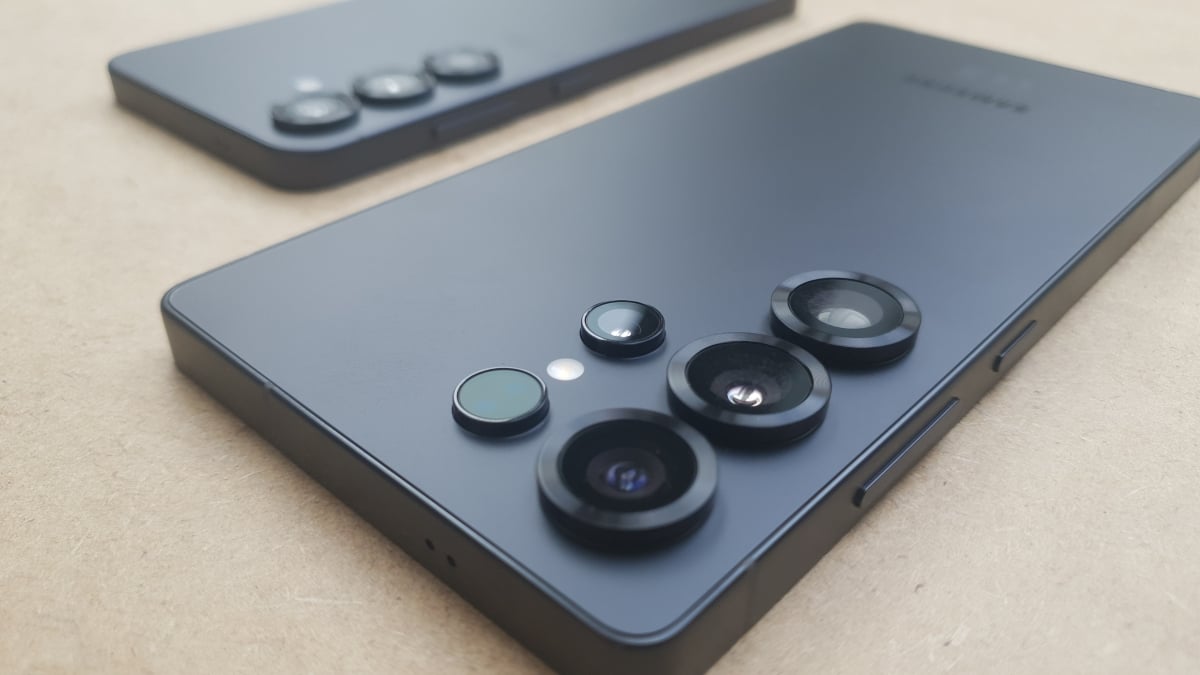
Samsung made the news official on March 22 (technically Monday, March 23 in Korea). At launch, AirDrop support will only work on the Galaxy S26 series, including the Galaxy S26, Galaxy S26 Plus, and Galaxy S26 Ultra. That’s a bummer for Galaxy S25 users and earlier, but it is possible Samsung will expand support in time. After all, Google started rolling out AirDrop support for Pixel 9 devices late last month.
If you do have a Galaxy S26 device, this feature is live right now—if you live in Korea. Samsung says the feature will be rolling out to the U.S. later this week, but as of this writing, the update is only available to Galaxy users in Korea. (I’ll update this piece when Samsung releases the update for those of us in the U.S.)
What do you think so far?
How to enable AirDrop support in Quick Share on Galaxy
Credit: Images courtesy of Samsung
If you have an S26, and the update has rolled out to you, you just need to head to Settings > Software update (or System updates), then hit “Download and install,” “Check for system updates,” or “Check for software updates,” depending on your device.
Then, once your phone has the update, you’ll need to manually enable AirDrop support for Quick Share—it won’t just appear on your phone. To do so, head to Settings > Connected devices > Quick Share, then toggle on the new “Share with Apple devices” option.
If you tap the option itself, you’ll find a full description of the feature, which you may or may not already know: The recipient needs to have their iPhone’s AirDrop settings set to “Everyone,” and when you want to receive a file, you need to open Quick Share on your end. Samsung says your phone may temporarily disconnect from wifi when looking for or sharing to other iPhones.
