

In my last article, I shared how to use MCP to integrate LLMs into your full data science workflow. I also briefly mentioned another .
A skill is a reusable package of instructions and optional supporting files. It helps AI handle a recurring workflow more reliably and consistently. At a minimum, it needs a SKILL.md file containing metadata (name and description) and detailed instructions for how the skill should work. People often bundle it with scripts, templates, and examples for standardization and accuracy.
At this point, you might be wondering why we use skills instead of just writing the whole thing directly into the Claude Code or Codex context. One advantage is that skills help keep the main context shorter. AI only needs to load the lightweight metadata at first—it can read the remaining instructions and bundled resources when it decides that the skill is relevant. You can find a great public collection of skills at skills.sh.
Let me make the idea more concrete with a simple example.
My Example — Weekly Visualization Skill
Context
I have been making one visualization every week since 2018 — if you are curious, I wrote about my journey in this article. This process is highly repetitive and usually takes me about one hour every week. Therefore, I found it a great candidate for automation with skills.
Examples of my 2025 visualizations
Workflow without AI
Here is my weekly routine:
- Find a dataset that interests me. Websites I usually go for inspiration include Tableau Viz of the Day, Voronoi, the Economics Daily by BLS, r/dataisbeautiful, etc.
- Open Tableau, play with the data, find insights, and build one visualization that tells the story intuitively.
- Publish it to my personal website.
AI workflow
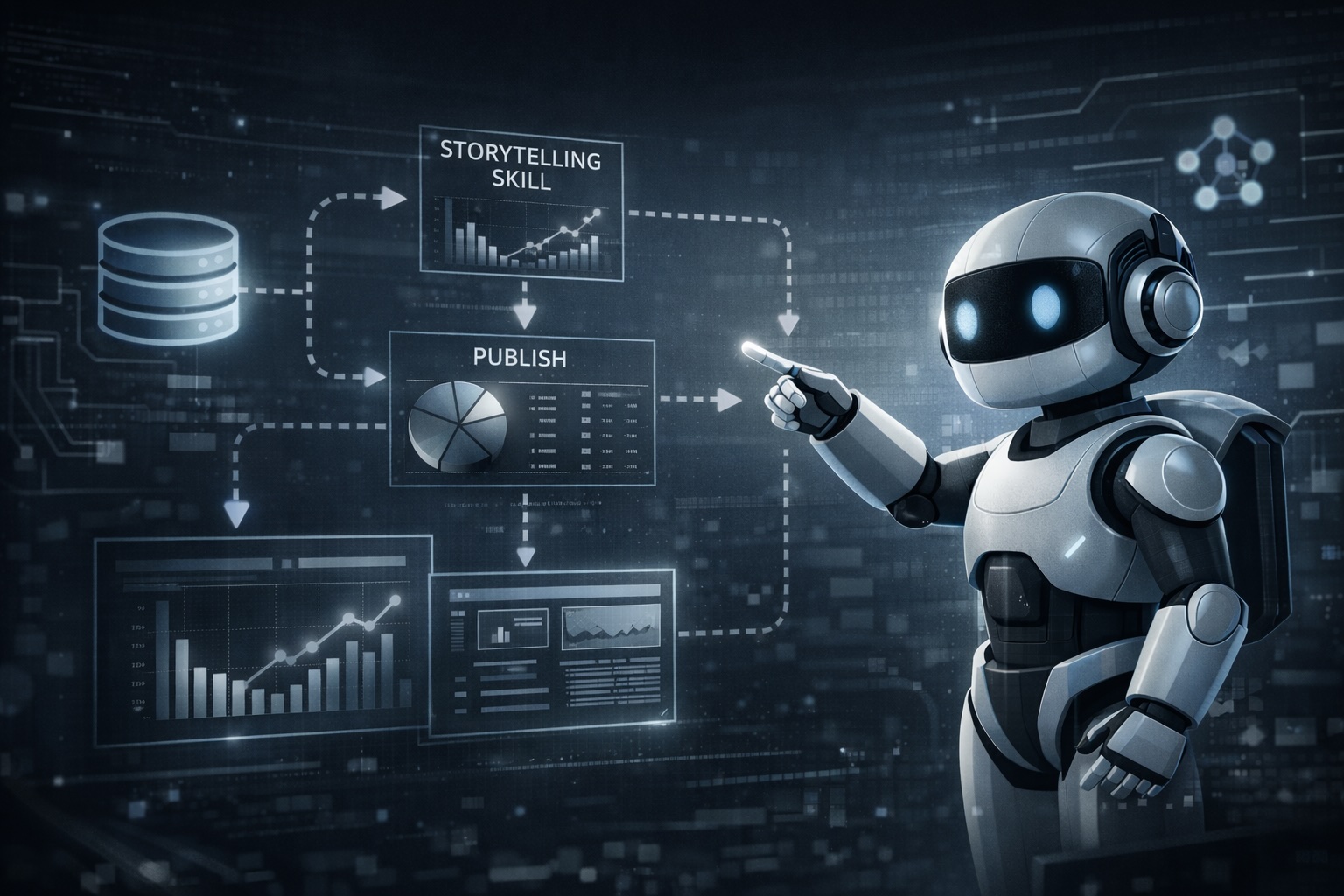
While the dataset search step is still manual, I created two skills to automate steps 2 and 3:
- A storytelling-viz skill that analyzes the dataset, identifies insights, suggests visualization types, and generates an interactive visualization that is intuitive, concise, and storytelling-oriented.
- A viz-publish skill that publishes the visualization to my website as embedded HTML — I am not going to share this one, as it is very specific to my website repo structure.
Below is an example where I triggered the storytelling-viz skill in Codex Desktop. I used the same Apple Health dataset as last time, asking Codex to query the data from the Google BigQuery database, then use the skill to generate a visualization. It was able to surface an insight around annual exercise time vs. calories burned, and recommend a chart type with reasoning and tradeoffs.
Skill trigger screenshot by the author (part 1)
Skill trigger screenshot by the author (part 2)
The whole process took less than 10 minutes, and here is the output — it leads with an insight-driven headline, followed by a clean interactive visualization, caveats, and the data source. I have been testing the skill with my past few weekly visualizations, and you can find more visualization examples in the skill repo.
storytelling-viz skill generated visualization (screenshot by the author)
How I Actually Built It
Now that we have looked at the output, let me walk you through how I built the skill.
Step 1: Start with a plan
As I shared in my last article, I like to settle on a plan with AI first before implementation. Here, I started by describing my weekly visualization workflow and my goal of automating it. We discussed the tech stack, requirements, and what “good” output should look like. This leads to my very first version of the skill.
The nice part is that you don’t need to create the SKILL.md file manually — simply ask Claude Code or Codex to create a skill for your use case, and it can bootstrap the initial version for you (it will trigger a skill to create a skill).
Building the skill (screenshot by the author)
Building the skill (screenshot by the author)
Step 2: Test and iterate
However, that first version only got me 10% of my ideal visualization workflow — it could generate visualizations, but the chart types were often suboptimal, the visual styles were inconsistent, and the main takeaway was not always highlighted, etc.
These remaining 90% required iterative improvements. Here are some strategies that helped.
1. Share my own knowledge
Over the past eight years, I have established my own visualization best practices and preferences. I wanted AI to follow these patterns instead of inventing a different style each time. Therefore, I shared my visualization screenshots along with my style guidance. AI was able to summarize the common principles and update the skill instructions accordingly.
Enhance skill with my knowledge (screenshot by the author)
2. Research external resources
There are so many resources online about good data visualization design. Another useful step I took was to ask AI to research better visualization strategies from well-known sources and similar public skills. This added perspectives that I had not explicitly documented myself, and made the skill more scalable and robust.
Enhance skill with external resources (screenshot by the author)
Enhance skill with similar skills (screenshot by the author)
3. Learn from testing
Testing is essential to identify improvement areas. I tested this skill with 15+ various datasets to observe how it behaved and how its output compared with my own visualizations. That process helped me suggest concrete updates, such as:
- Standardizing the font choices and layout
- Checking desktop and mobile previews to avoid overlapping labels and annotations
- Making charts understandable even without tooltips
- Always asking for the data source and linking it in the visualization
- …
Skill improvements from testing 1 (screenshots by the author)
Skill improvements from testing 2 (screenshots by the author)
Skill improvements from testing 3 (screenshots by the author)
You can find the latest version of the storytelling-viz skill here. Please feel free to play with it and let me know how you like it 🙂
Takeaways for Data Scientists
When skills are useful
My weekly visualization project is just one example, but skills can be useful in many recurring data science workflows. They are especially valuable when you have a task that comes up repeatedly, follows a semi-structured process, depends on domain knowledge, and is difficult to handle with a single prompt.
- For example, investigating the movement of metric X. You probably already know the common drivers of X, so you always start with slicing by segments A/B/C and checking upfunnel metrics D and E. This is exactly the process that you can package into a skill, so AI follows the same analytical playbook and identifies the root cause for you.
- Another example: suppose you plan to run an experiment in region A, and you want to check other experiments running in the same area. In the past, you would search keywords in Slack, dig through Google Docs, and open the internal experimentation platform to review experiments tagged with the region. Now, you can summarize these common steps into a skill and ask LLMs to conduct comprehensive research and generate a report of relevant experiments with their goals, durations, traffic, statuses, and docs.
If your workflow consists of multiple independent and reusable components, you should split them into separate skills. In my case, I created two skills — one for generating the visualization, and another for publishing it to my blog. That makes the pieces more modular and easier to reuse in other workflows later.
Skills and MCP work well together. I used BigQuery MCP and the visualization skill in one command, and it successfully generated a visualization based on my datasets in BigQuery. MCP helps the model access the external tools smoothly, and skill helps it follow the right process for a given task. Therefore, this combination is powerful and complements each other.
A final note on my weekly visualization project
Now that I can automate 80% of my weekly visualization process, why am I still doing it?
When I first started this habit in 2018, the goal was to practice Tableau, which was the main BI tool used by my employer. However, the purpose has changed over time — now I use this weekly ritual to explore different datasets that I would never encounter at work, sharpen my data intuition and storytelling, and see the world through the lens of data. So for me, it is not really about the tool, but the process of discovery. And that is why I plan to keep doing it, even in the AI era.
